

Search items
Find CMS items by name or field values
Use the search field in the collection toolbar to quickly find items in the current collection.
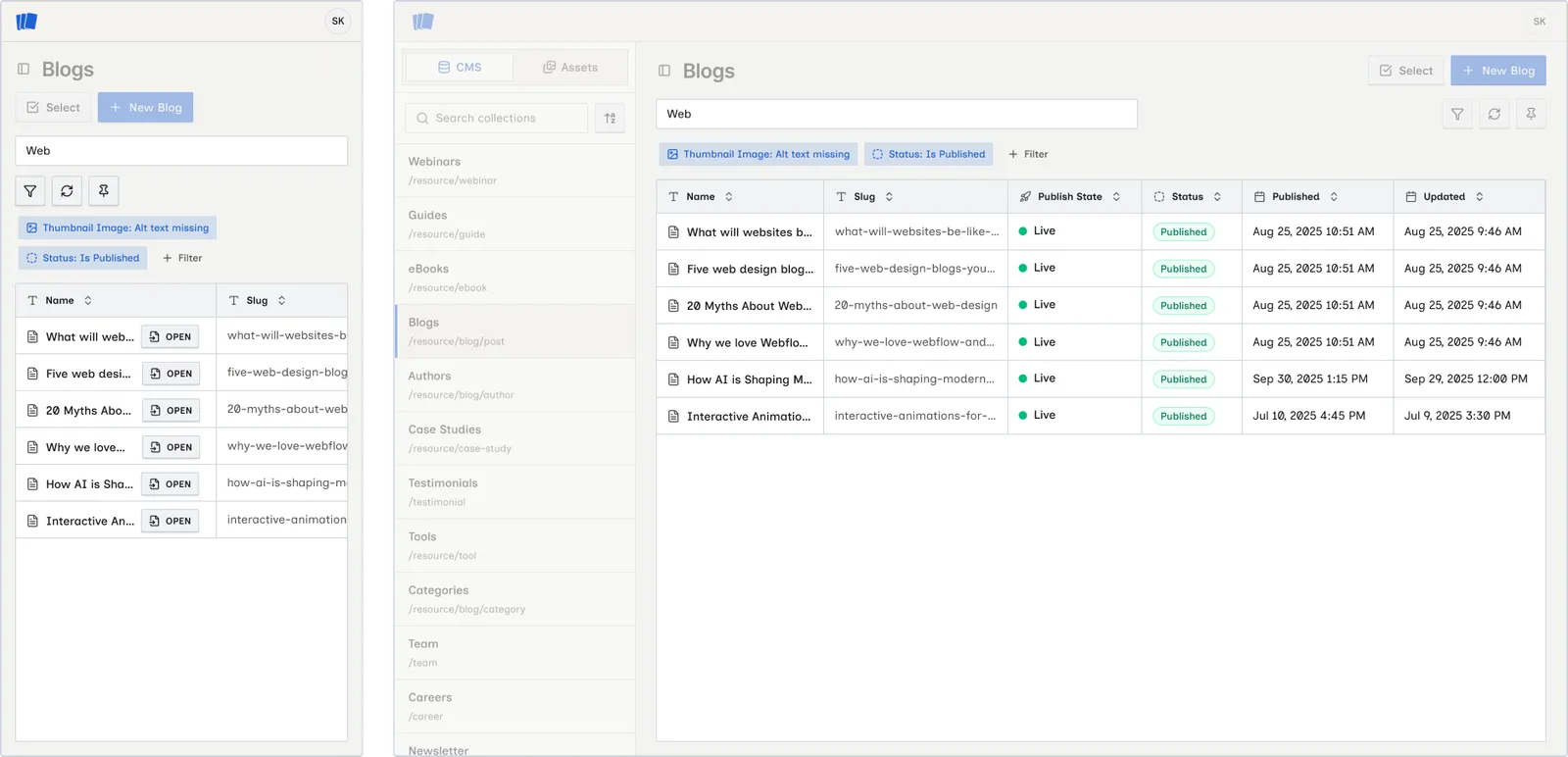
![]()
Search items
What search covers
Search covers:
- Item name
- Item metadata (status-related fields shown in the table)
- Searchable collection field values defined in your Webflow schema
Search is case-insensitive and matches partial text.
Search with filters
Search works together with filters. When both are active, items must match the search query and all active filters.
If nothing matches, you see:
- No items match your search. — search only
- No items match your search or filters. — search plus filters
Clear search
Delete the text in the search field to restore the full item list (subject to any active filters).