

Create an account
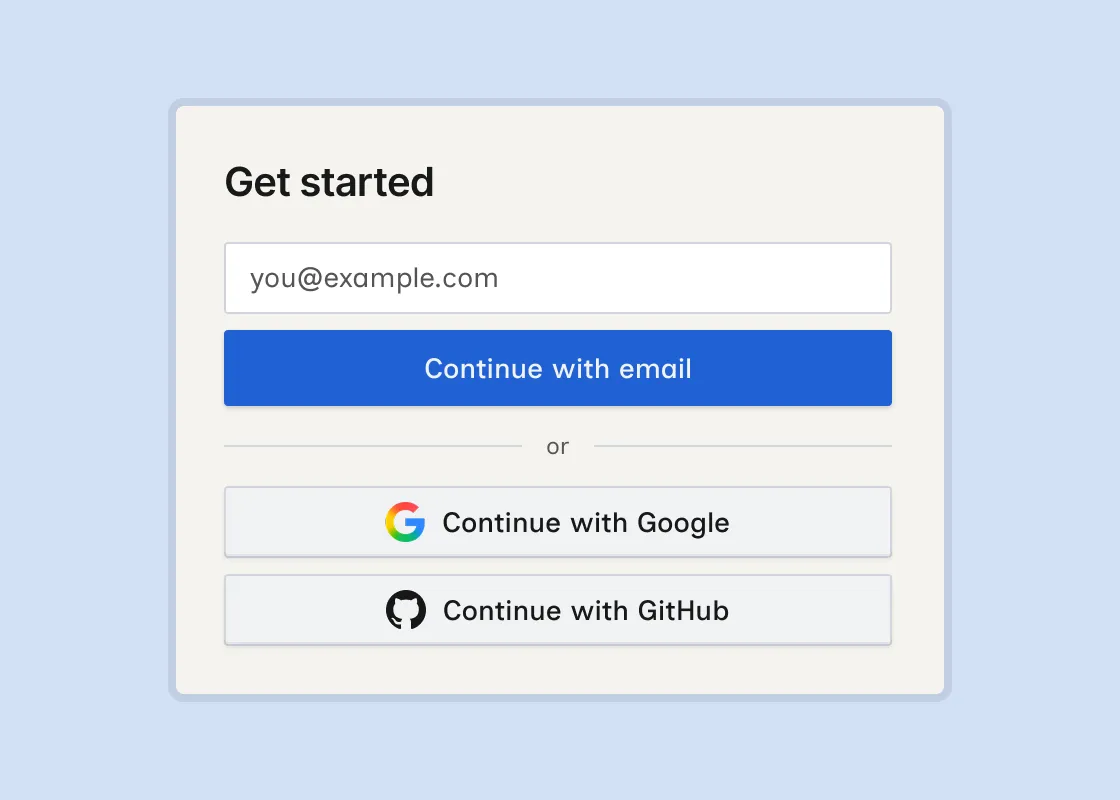
To use Wicked CMS, sign in with your email address, a Google account, or a GitHub account.
Sign in
Choose a sign-in option
On the login screen, enter your email and click Continue with email, or click Continue with Google or Continue with GitHub.
Troubleshooting
I did not receive the sign-in email
Check your spam folder. On the Magic link sent screen, click Resend link after the countdown finishes, or choose Want to use a different email? to start over.
I clicked Continue with Google or Continue with GitHub but nothing happened
Check that pop-ups and redirects are allowed for app.wickedcms.com. Try a private/incognito window or a different browser.
Which sign-in option should I use?
All three options provide the same Wicked CMS features. Use email if you do not have a Google or GitHub account. Otherwise, choose the provider you prefer.
Can I use a work Google account?
Yes, as long as your organization allows OAuth sign-in to third-party apps.
Can I use a work GitHub account?
Yes, as long as your organization allows OAuth sign-in to third-party apps.
Related guide
Once signed in, Connect Webflow to load your sites and CMS data.