

Switch between site sections
Open CMS, Assets, Pages, or Analyze from one site workspace
Every site workspace has four sections. CMS is for collection items, Assets is for the Webflow asset library, Pages is for page settings, and Analyze is for Webflow Analyze reports. Use the icon switcher at the top of the left sidebar to move between them.
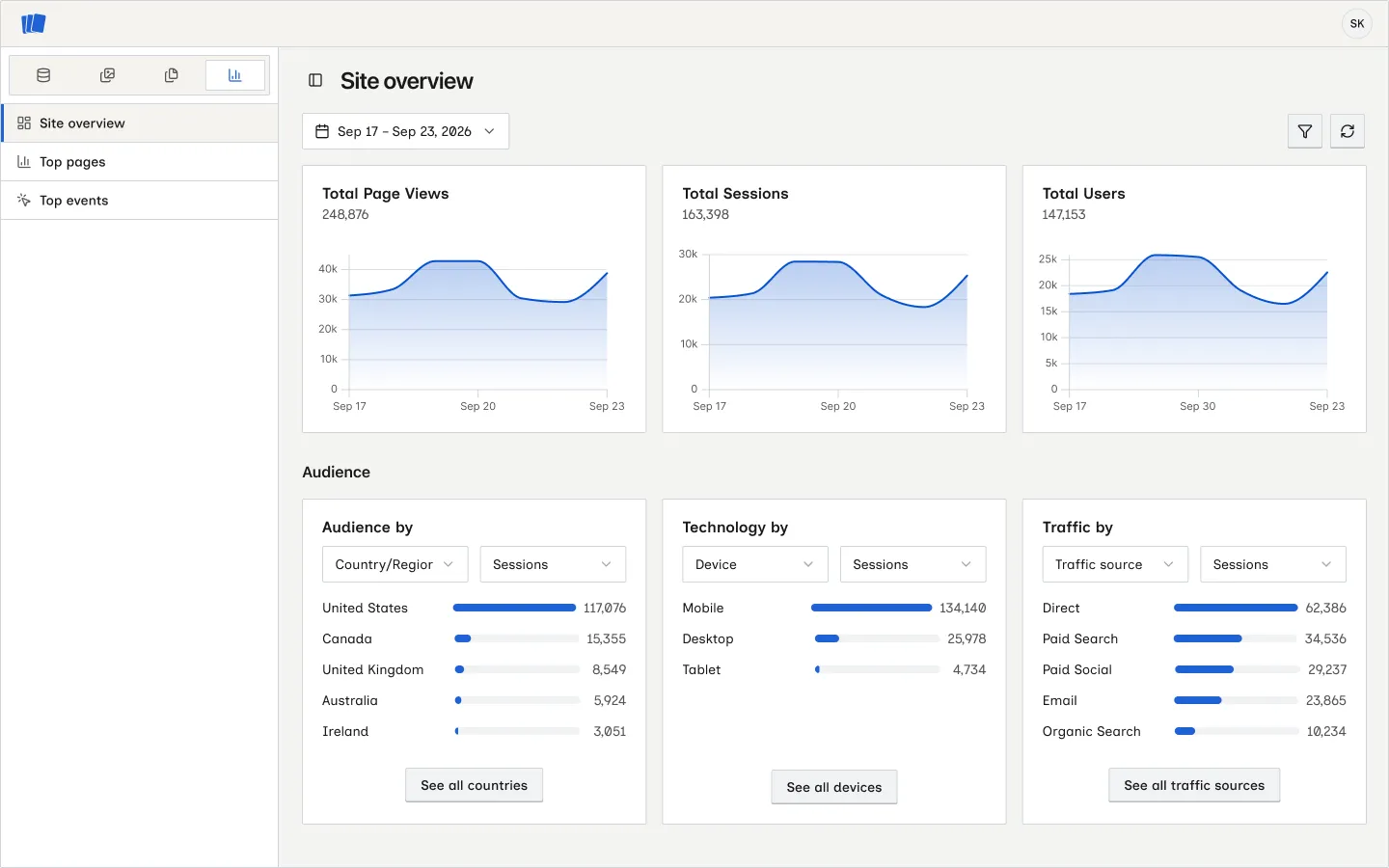
Switch sections
What changes when you switch
When you return to CMS, Wicked CMS restores your collection and items view.
On a phone, open the sidebar with the toggle button, then tap the section you want. See Use Wicked CMS on your phone.