

What is Wicked CMS?
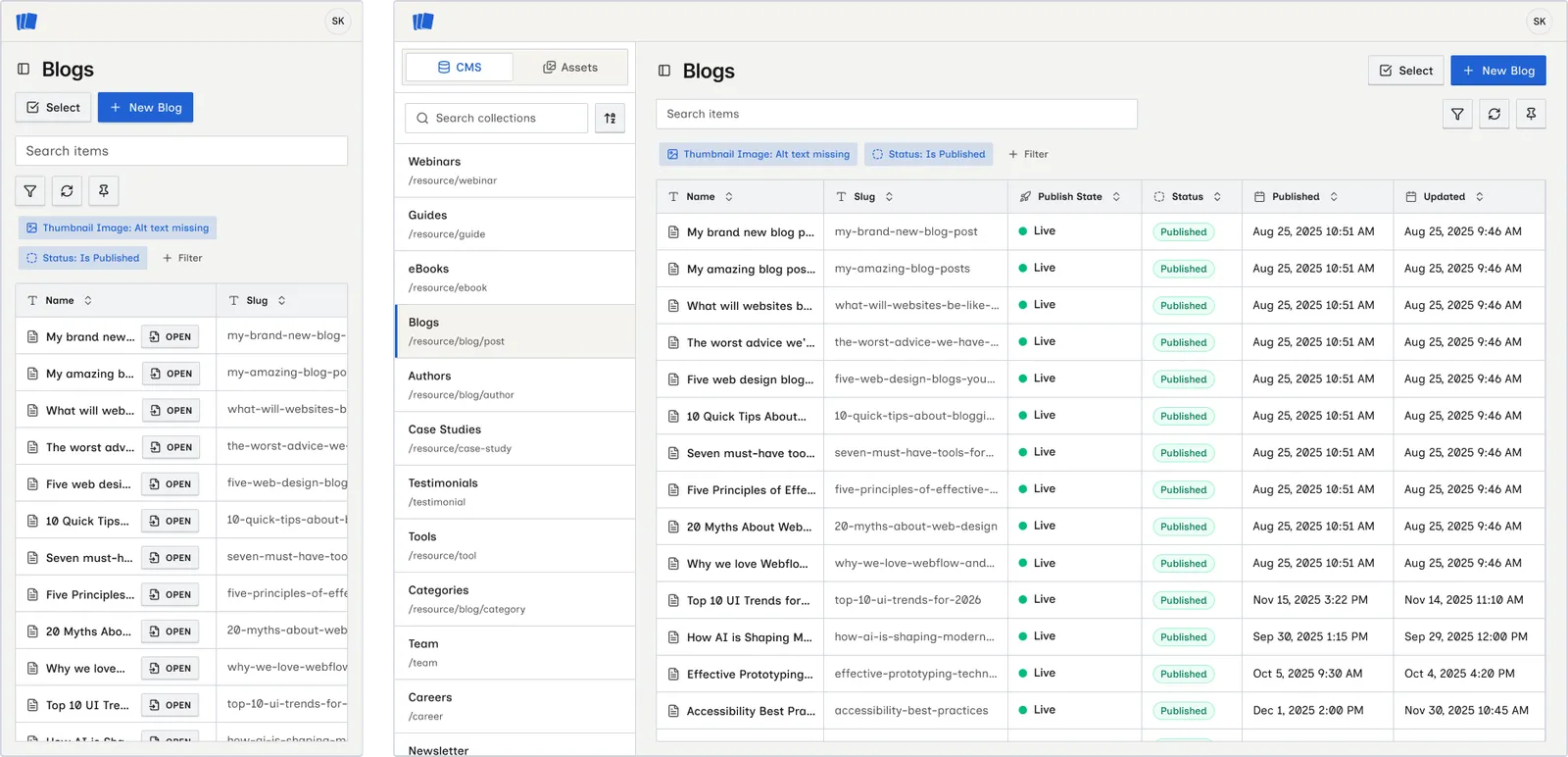
Wicked CMS is a web app for editing and publishing Webflow CMS content from a browser. Open it on a computer, phone, or tablet to manage collection items without opening the Webflow Designer. You can also manage pages and assets, and read Webflow Analyze reports when the workspace has that add-on. Sign in with email, Google, or GitHub, then connect your Webflow account.
There’s nothing to install: open app.wickedcms.com on your phone, tablet, or laptop and the workspace adapts to your screen with a touch-friendly layout.
Who is it for?
Wicked CMS is for content editors, marketers, and site managers who need to update Webflow CMS content away from a desk. Fix a typo from your phone, publish a post between meetings, or manage blog posts, product listings, and team profiles across sites.
What you can do
Prerequisites
Before you start, you need:
- An email address, Google account, or GitHub account to sign in to Wicked CMS
- A Webflow account with access to the sites and CMS collections you want to manage
- Permission to authorize the Wicked CMS app on your Webflow account
Each person who uses Wicked CMS must sign in with their own account and connect their own Webflow account. Webflow API access uses per-user OAuth. Wicked CMS does not use a shared API key.
Get started
Create an account
Sign in at app.wickedcms.com with Continue with email, Continue with Google, or Continue with GitHub. See Create an account for details.
Open a site
Choose a site from Your Webflow sites and start editing collection items. See Your Webflow sites.