

Changelog
Read about new Wicked CMS features, improvements, and fixes.
Subscribe
The changelog supports RSS so you can follow updates in your feed reader.
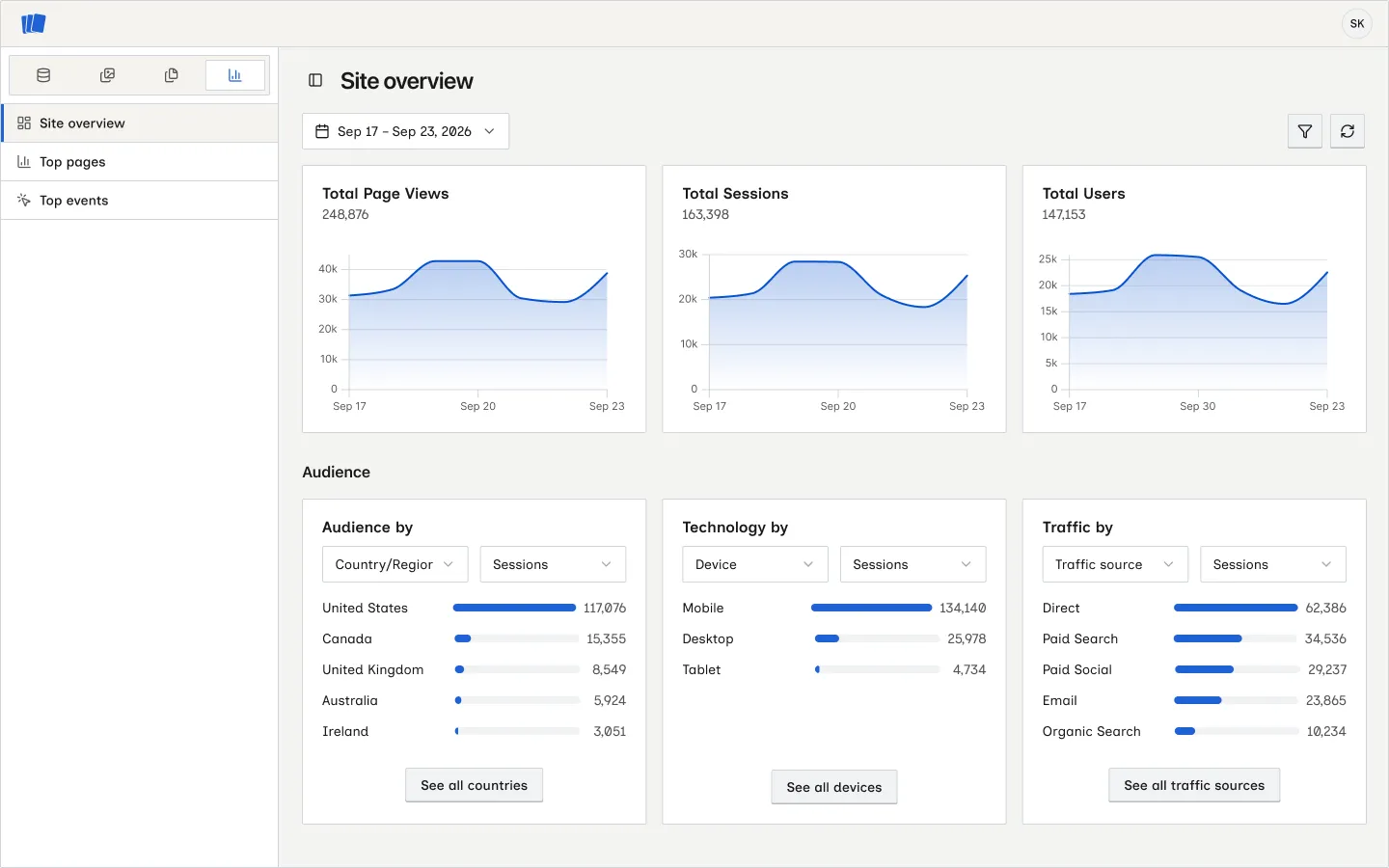
Webflow Analyze reports in Wicked CMS
You can now check a site’s Webflow Analyze data without leaving Wicked CMS. Open a site and click Analyze in the section switcher.
Filter and sort by Item ID
Find a Webflow item by its ID without opening each row.
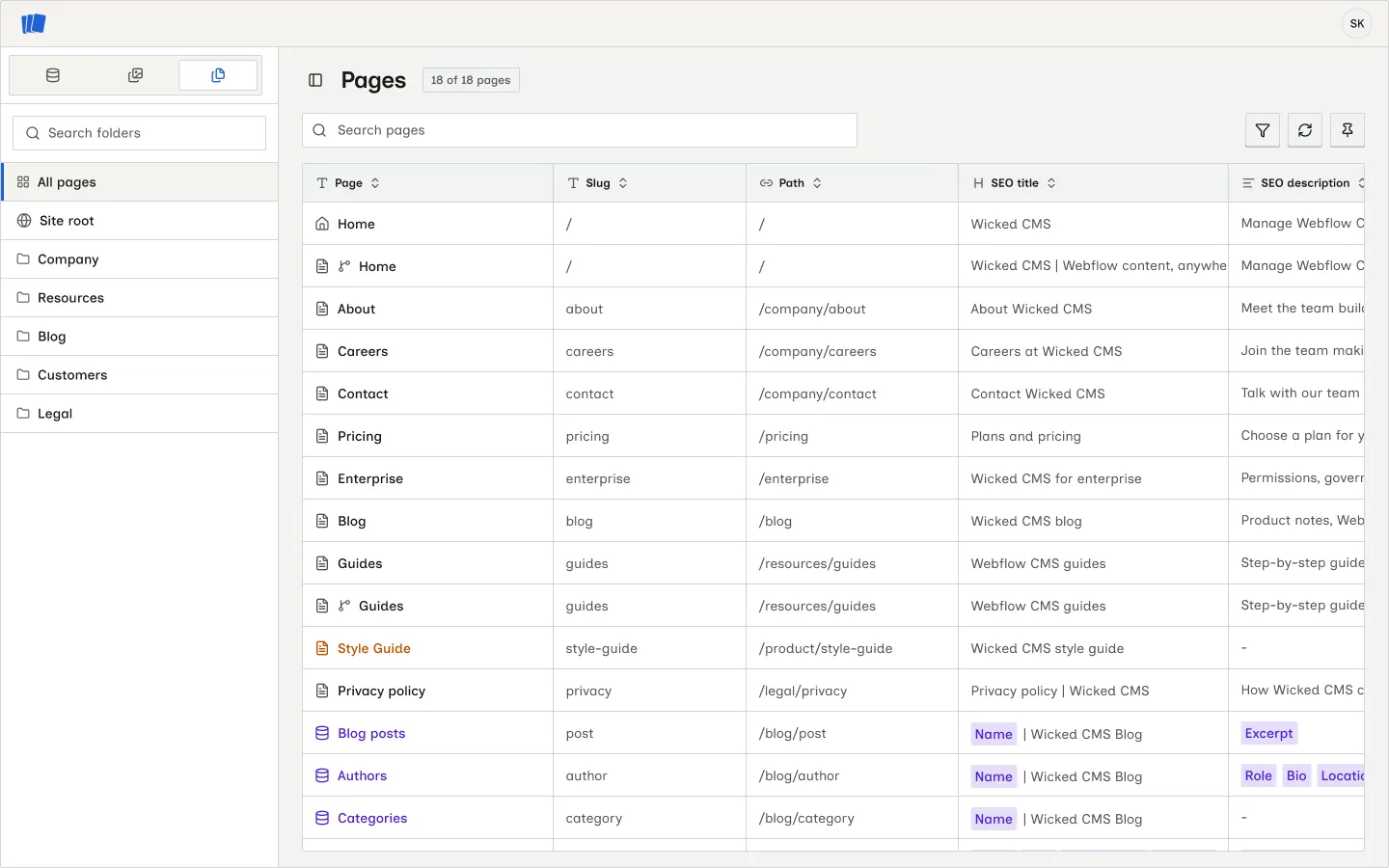
Manage Webflow pages alongside CMS and Assets
Browse pages and update their metadata, SEO text, and Open Graph text from Wicked CMS.
Character counts for SEO and Open Graph fields
SEO Title, SEO Description, Open Graph Title, and Open Graph Description now show a character count.
Remember view settings when switching collections
Wicked CMS now remembers each collection’s search, filters, sort, and column layout when you switch collections.
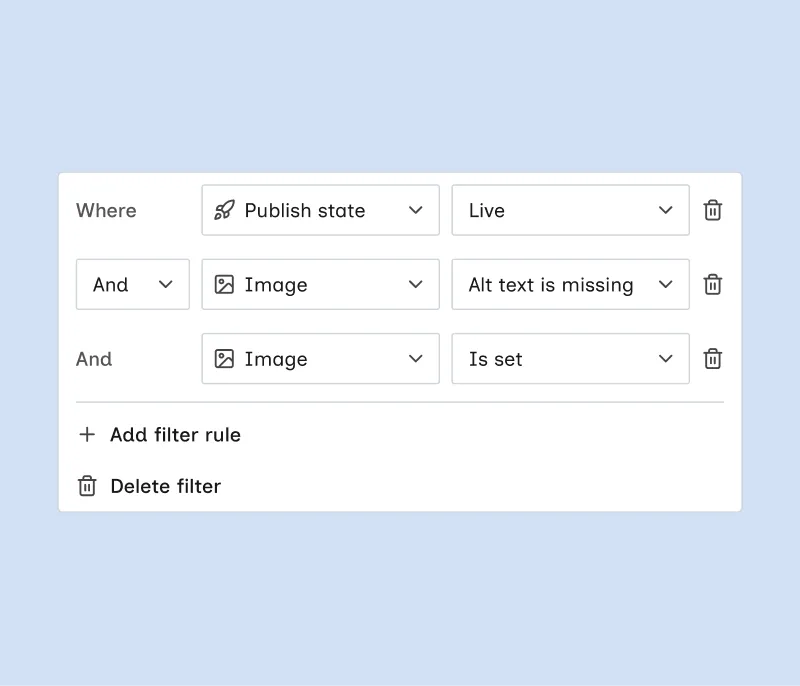
Advanced filters for items
Combine multiple filter rules with And or Or, including multiple rules for the same field.
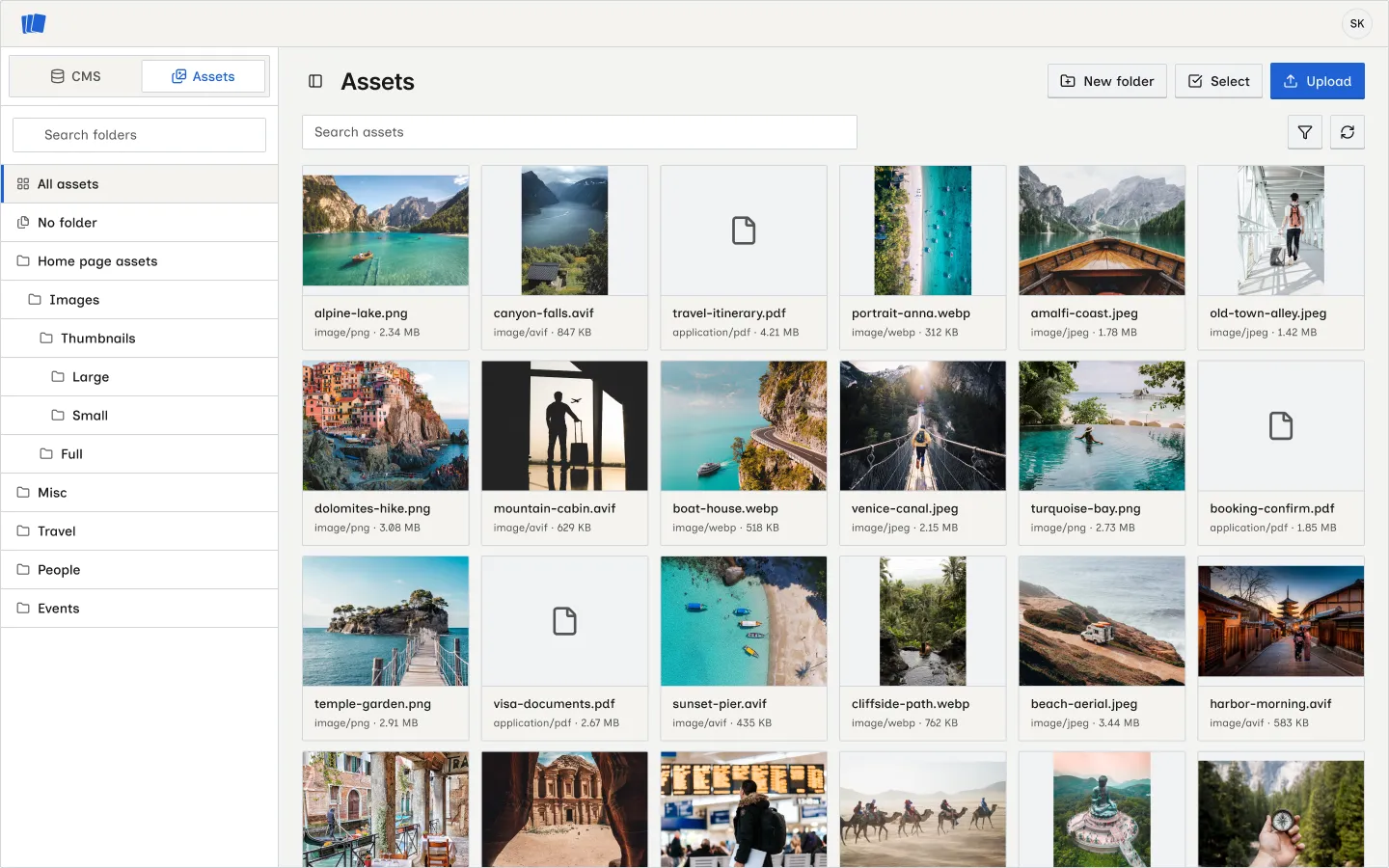
Manage site assets alongside CMS
Browse, upload, and manage files in your Webflow asset library from Wicked CMS.
Edit referenced items from item details
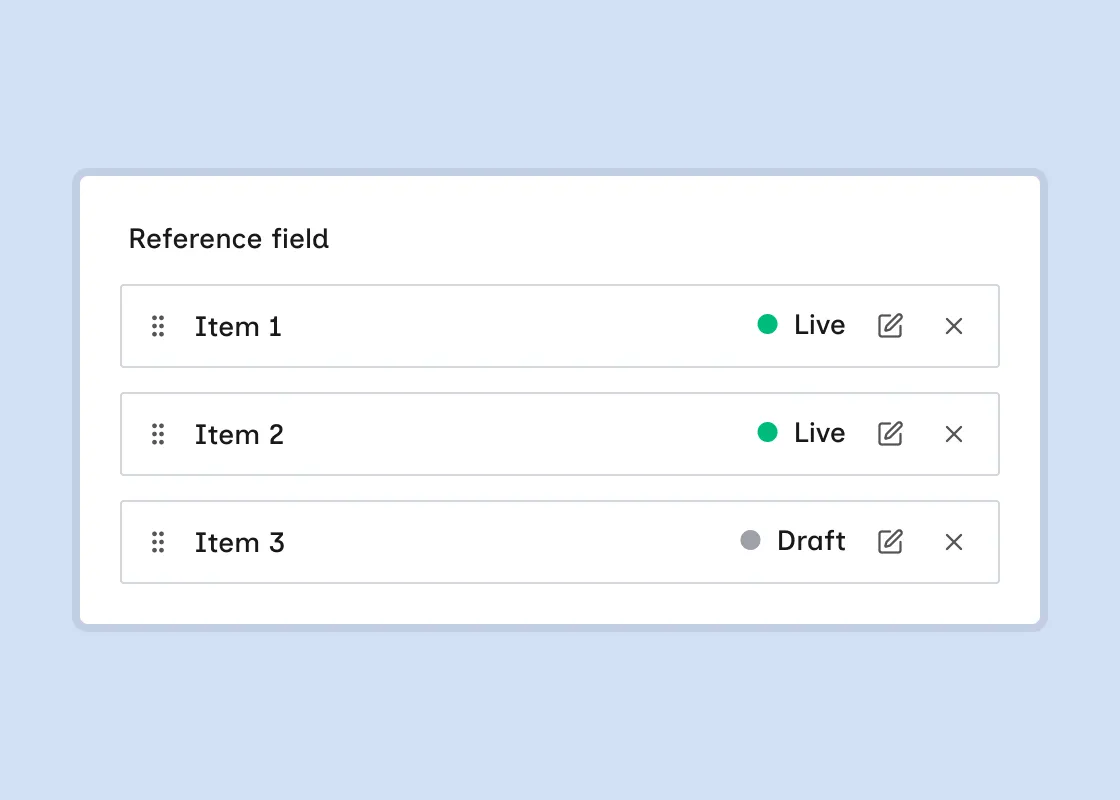
Open and edit a linked item directly from a Reference or Multi-reference field without leaving the current item.
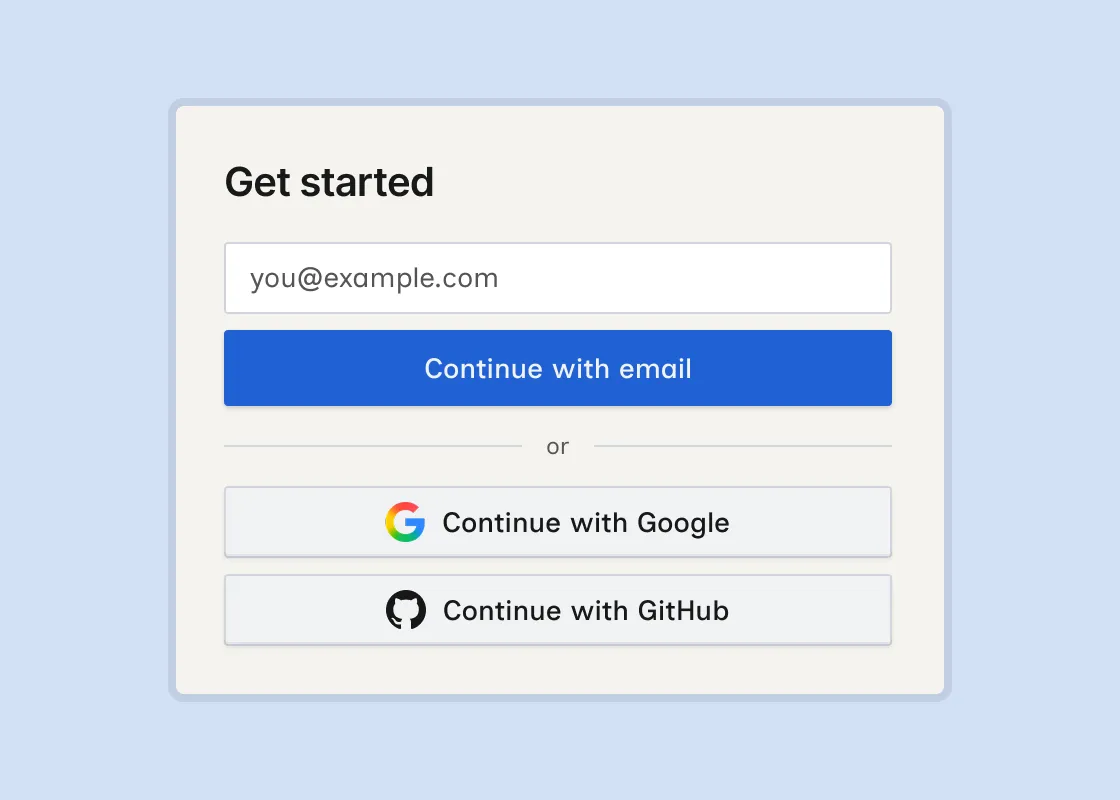
Sign in with email
Sign in to Wicked CMS with your email address. You do not need a Google or GitHub account.
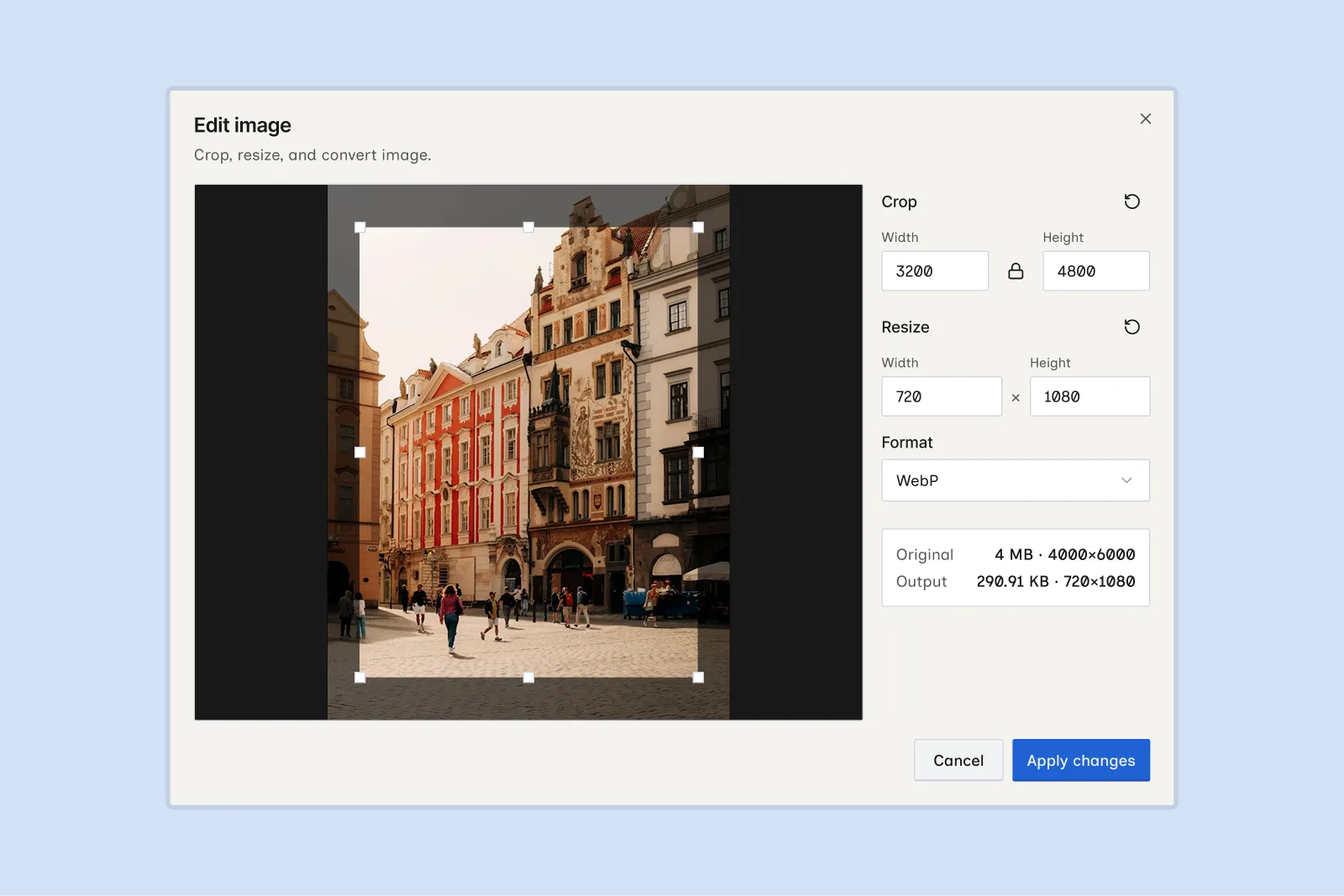
Crop, resize, and convert images
Adjust images before adding them to an item, or edit images already in a field.
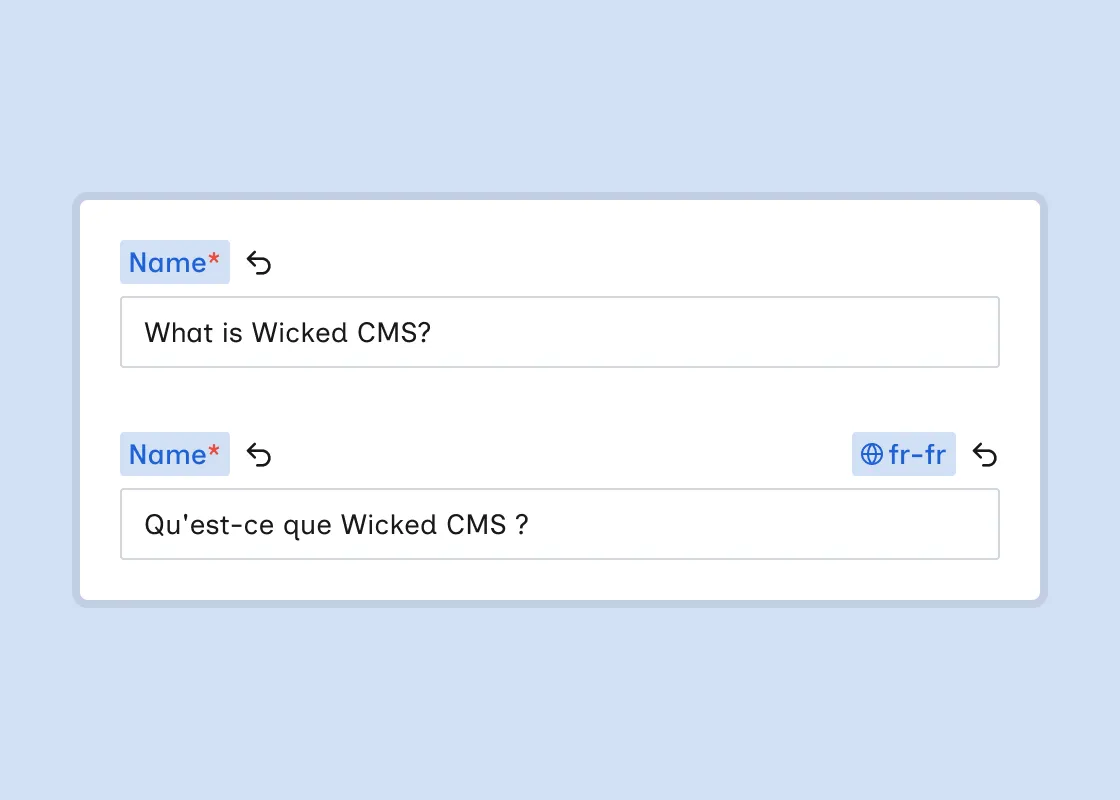
Locale diff indicators on fields
When you edit an item in a non-primary locale, each field shows a locale badge with the locale shortcode, such as fr-fr, on the right side of the label. The badge highlights in blue when the field’s value differs from the primary locale. This is separate from the live diff highlight for unpublished changes.
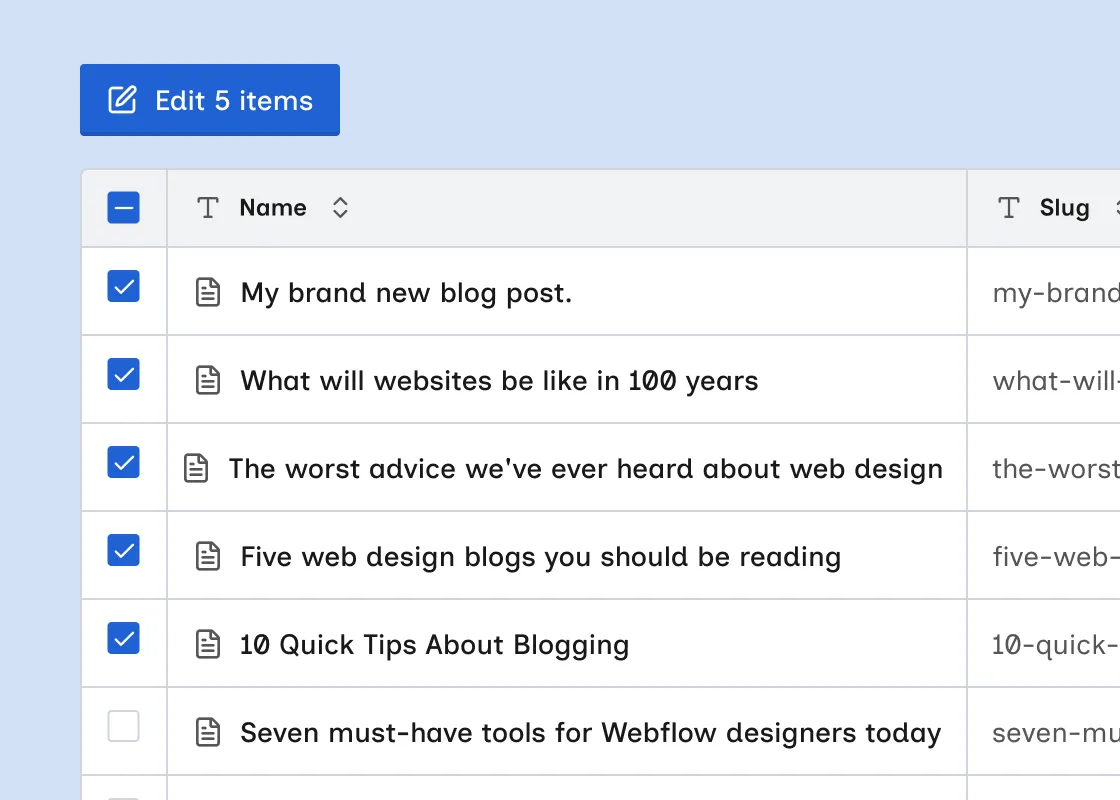
Edit multiple items
Change field values on several CMS items at once from select mode.
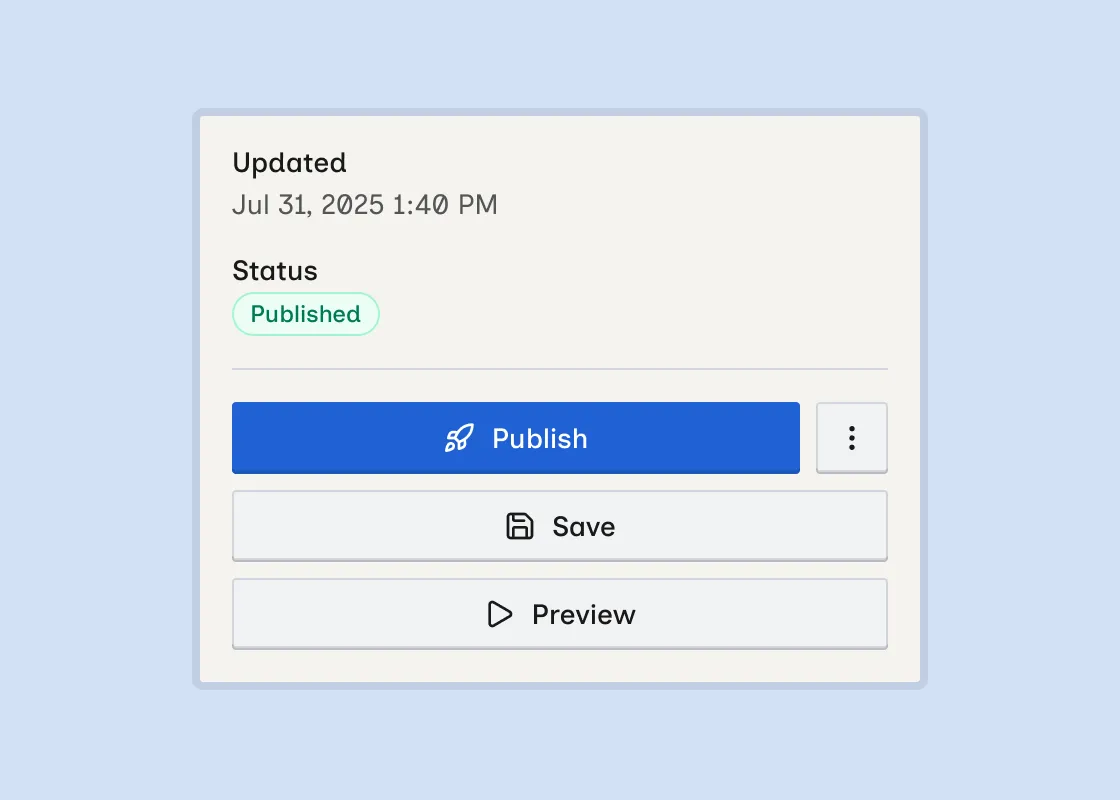
Preview live item
Open a Live item on your published site from the item detail sheet.
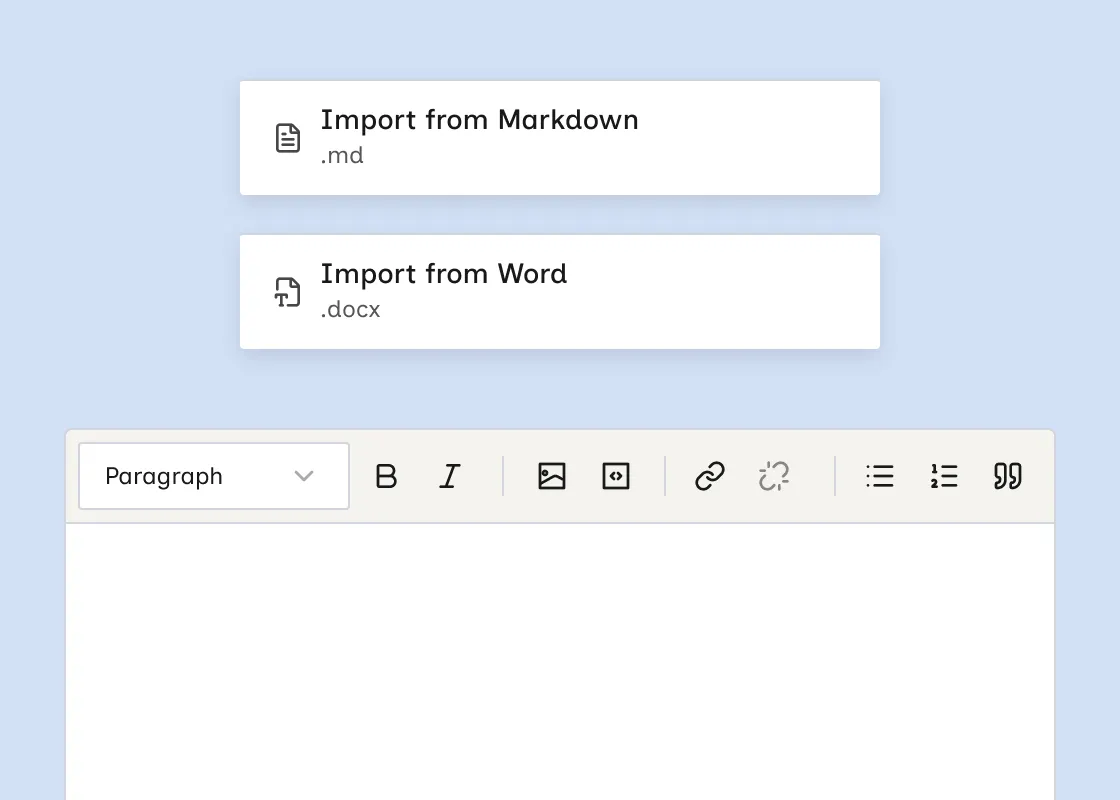
Import Markdown and Word docs into rich text
You can now load existing content into a rich text field from a Markdown or Word file.
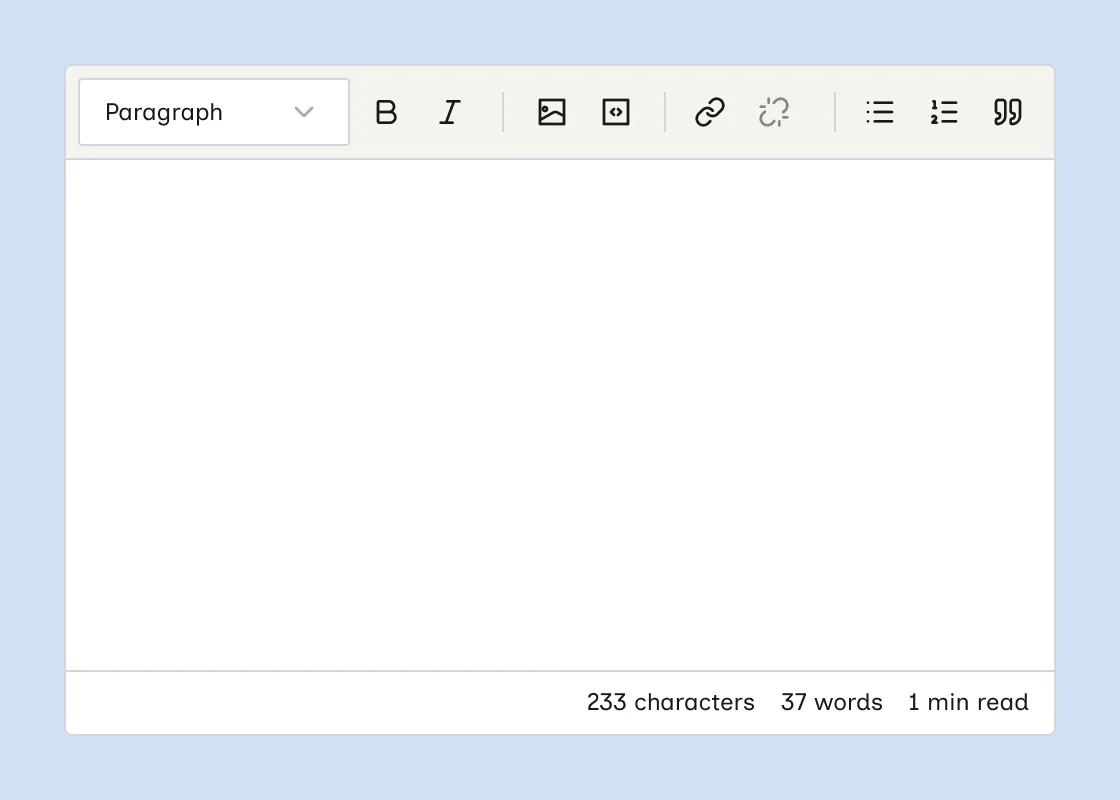
Character, word count, and read time in rich text
Rich text fields now show a live character count, word count, and estimated read time at the bottom of the editor.
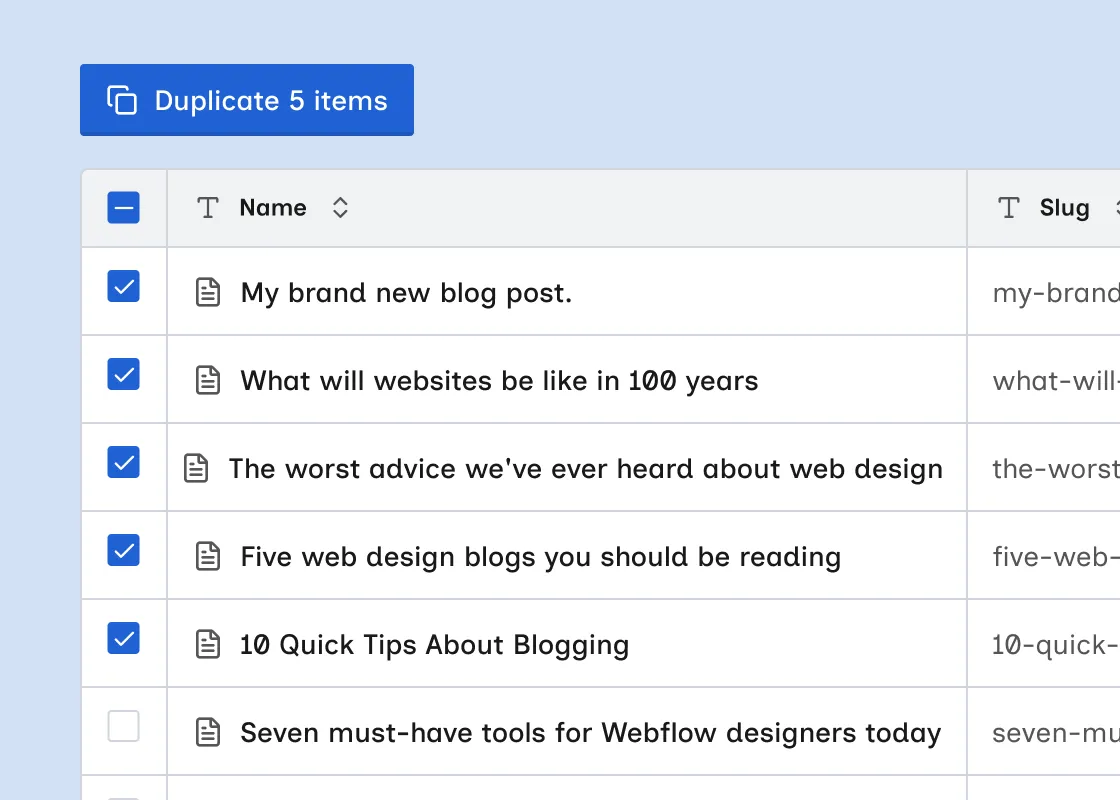
Duplicate multiple items
Duplicate several CMS items at once from select mode.
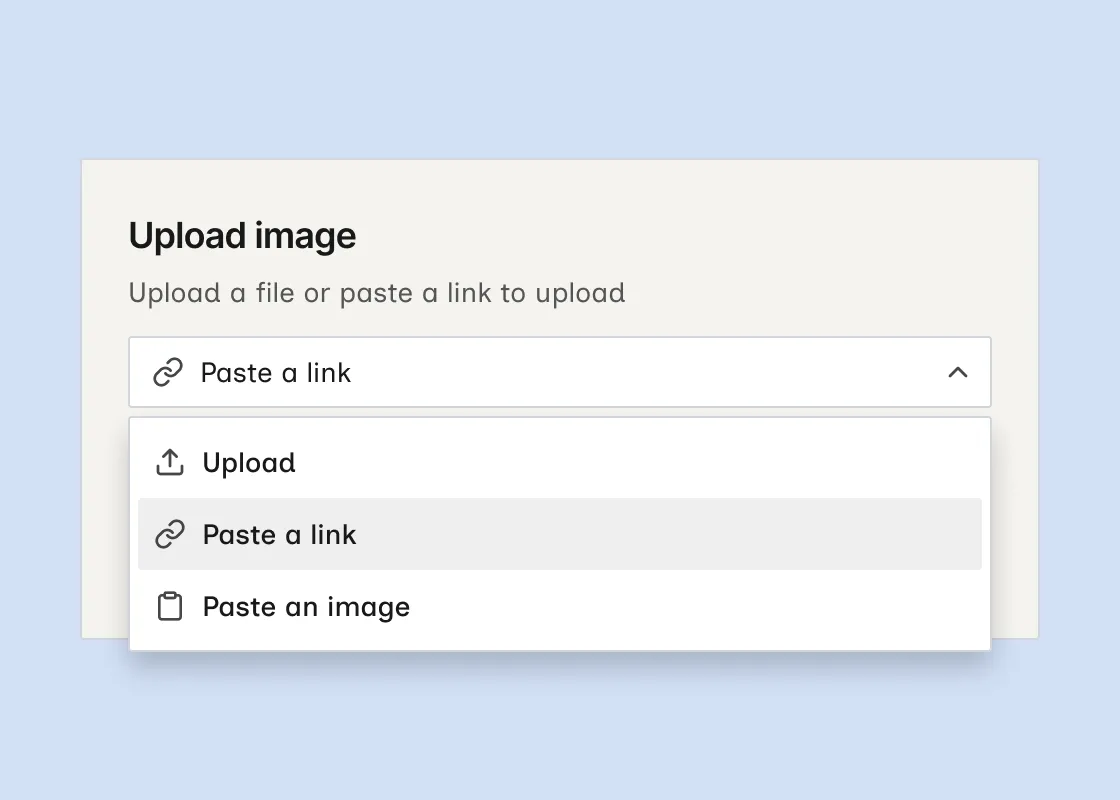
Upload images from a link or clipboard
Add images by pasting a link or an image from your clipboard.
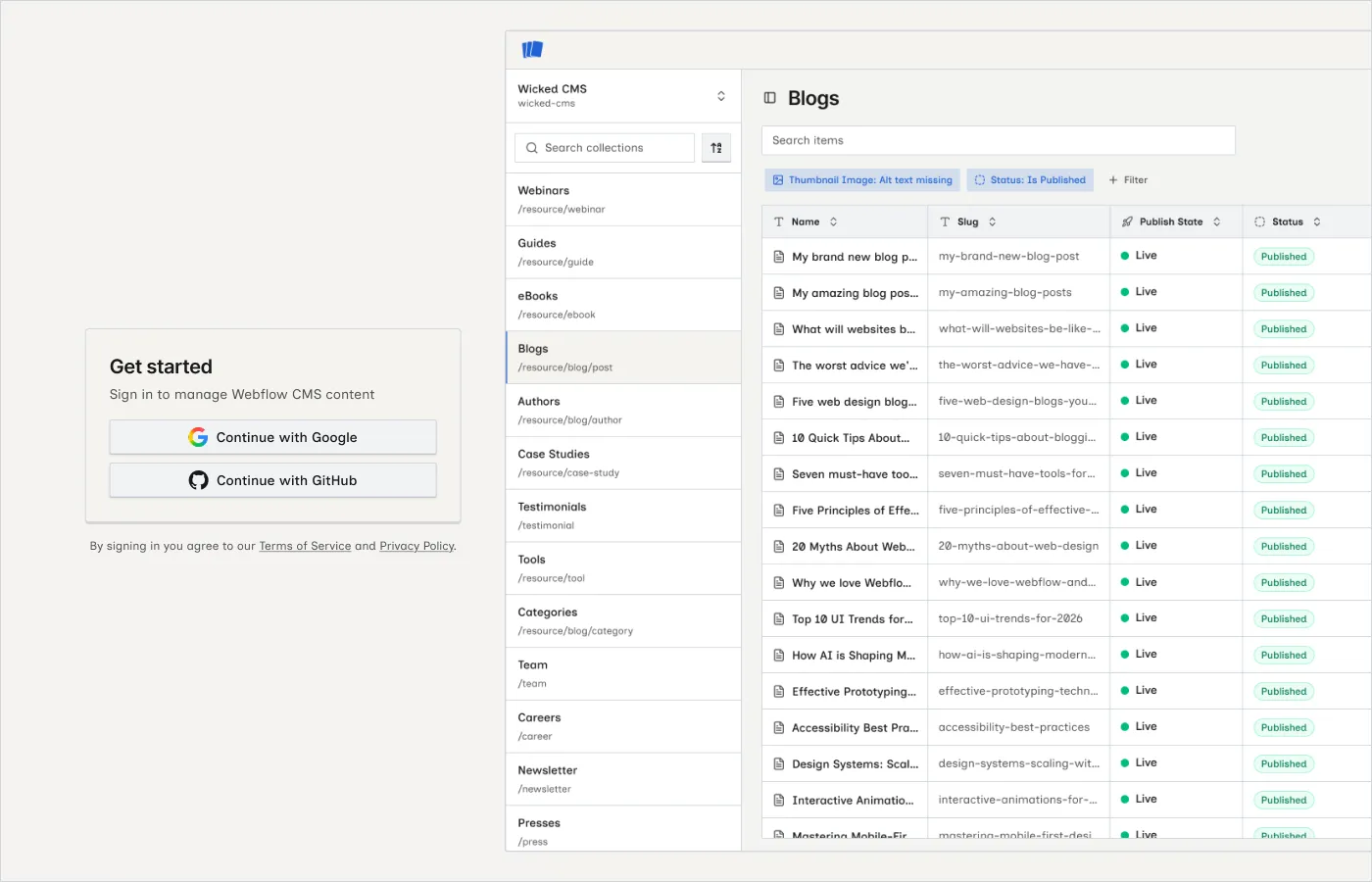
Sign in with GitHub
Sign in to Wicked CMS with a GitHub account. Google sign-in remains available.
Export selected items to CSV
Export only the items you select in Select mode.
Export items to CSV
Export collection items to a CSV file directly from the items table.