

Review top events
See which tracked events occurred on your site
In a site’s Analyze section, click Top events in the sidebar. The table shows event names, the pages where they occurred, and their counts for the selected dates.
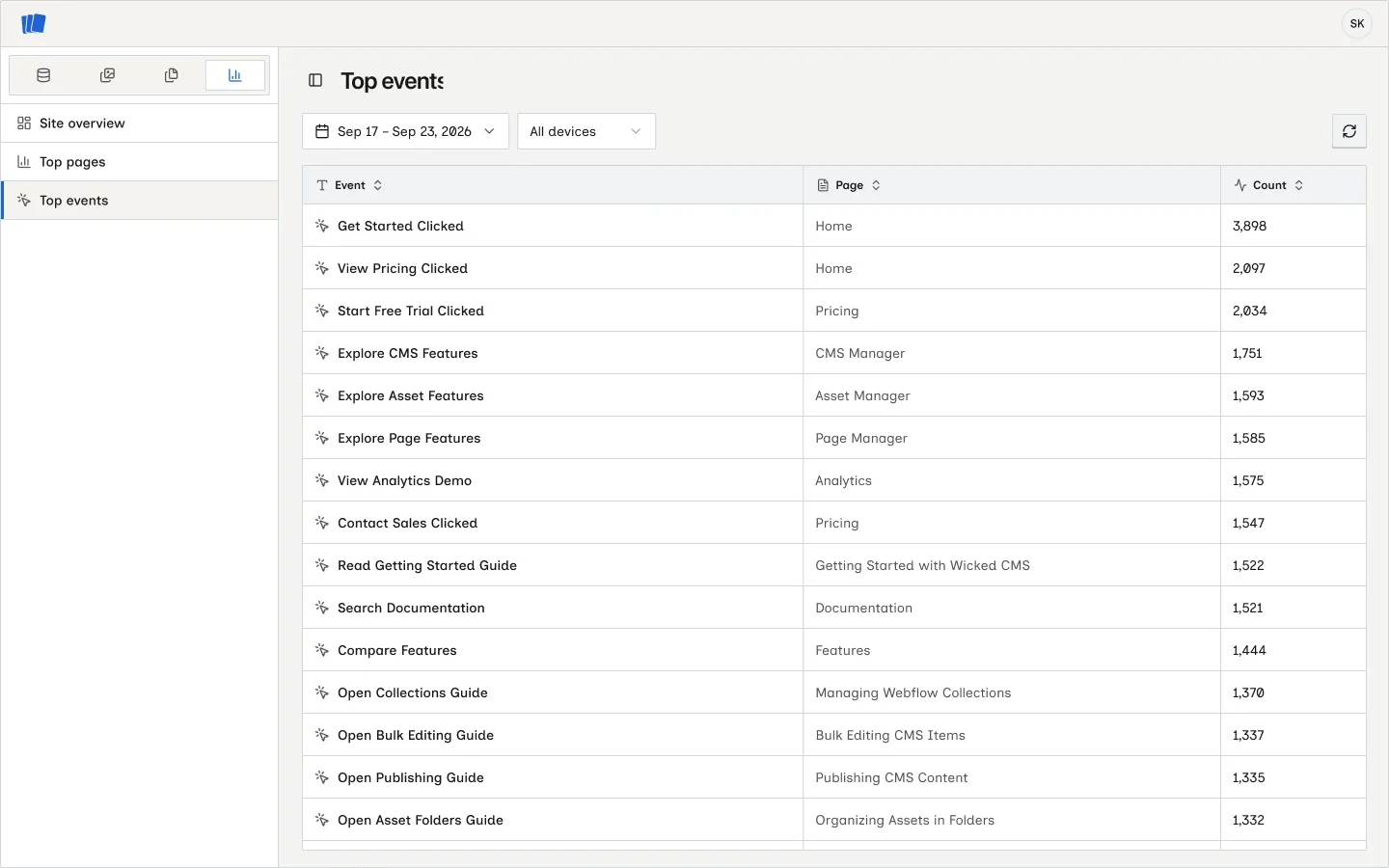
Click a column heading to sort the rows. Use the date picker to change the range, or choose All devices, Desktop, Tablet, or Mobile to narrow the report. Click Reload analytics to fetch fresh data.
To see events for one page alongside its traffic and audience breakdown, open that page from Top pages.