

Update multiple items
Use Select mode to choose multiple items in a collection and edit, update, duplicate, or export them at once.
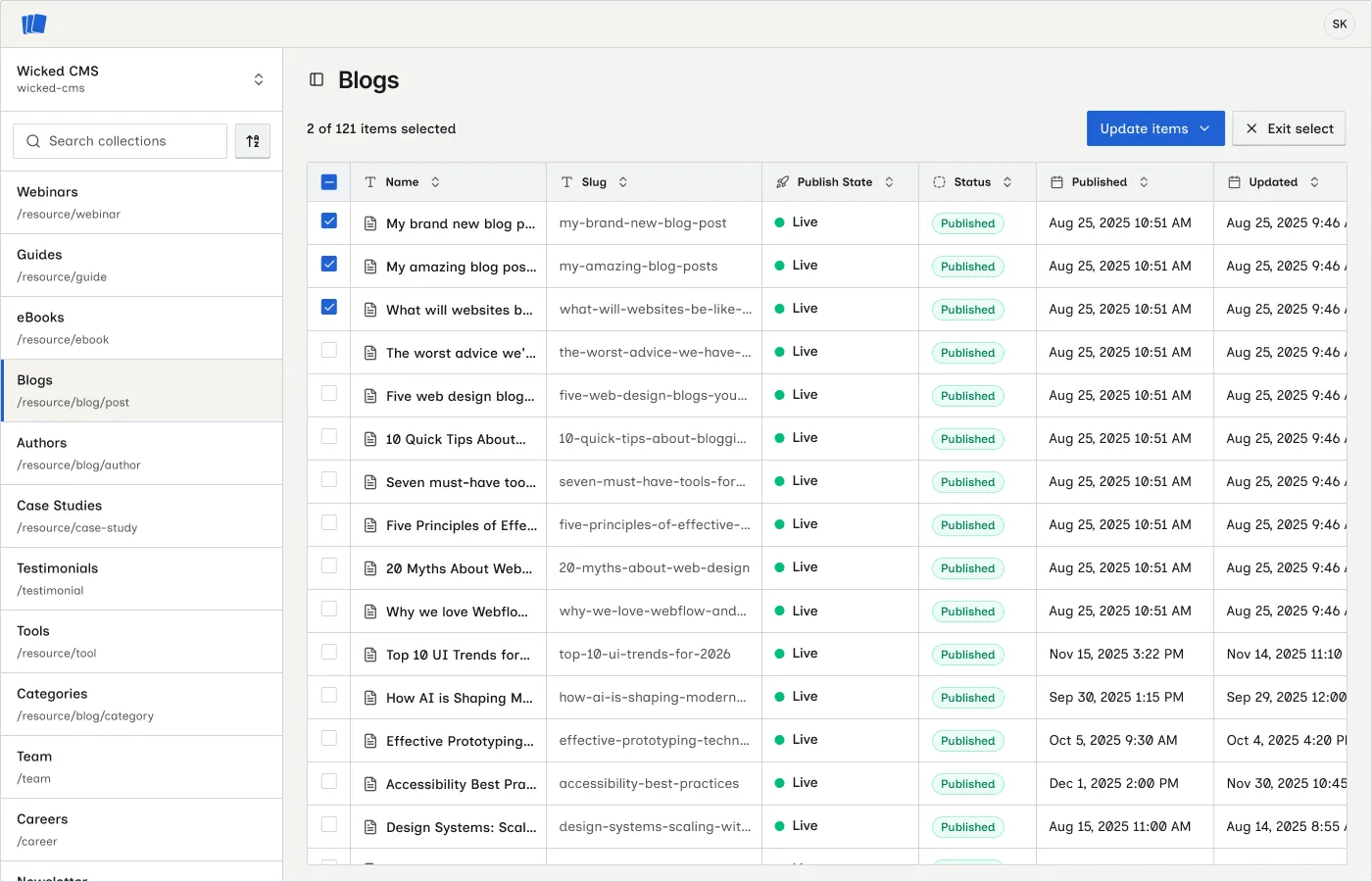
Enter select mode
Choose items
Click checkboxes to select individual items, or use the header checkbox to select all visible items.
Edit selected items
Open Update items and click Edit items to change field values on every selected item from one sheet.
Fields start empty. Wicked CMS applies only the fields you edit to each item. Untouched fields keep their existing values. Clearing a field clears it on every selected item. Slug cannot be edited in bulk.
Click Save, Publish, or Queue for next site publish to apply changes. Use Reset field on a touched field to exclude it from the update.
Update items actions
Open Update items to apply a lifecycle action to every selected item:
Duplicate selected items
Click Duplicate in the bulk toolbar to copy every selected item. In the confirmation dialog, choose how to create the copies:
Each copy keeps all field data from the source item. Slugs are generated automatically to stay unique. On multi-locale sites, copies are created across all of the source item’s locales.
Confirmation dialogs
Destructive bulk actions require confirmation:
- Unpublish
- Unpublish and archive
- Unpublish and delete
Review the selected items carefully before confirming.
Progress dialog
While a bulk action, edit, or duplicate runs, a progress dialog shows the action in progress (for example, Saving items, Publishing items, or Duplicating items) with a progress bar. Wait for it to complete before starting another bulk action.
Bulk actions and filters
Select mode uses the items currently visible in the table, including the results of an active search, filter, or advanced filter. Filter the list first to target a subset, then enter select mode.
Single-item alternatives
Use Edit items to apply the same field changes across many items. To edit one item with live diff, status, and locale details, open it with OPEN and use Save changes or Publish an item.
Related guide
Review Understand item status to interpret status changes after bulk operations.