
Create a new item
Create new CMS items directly in Wicked CMS without opening the Webflow Designer.
Create an item
Click New item
In the collection header, click New followed by the collection’s singular name. For example, click New Blog Post in a Blog Posts collection.
Choose locale scope (multi-locale sites)
A dialog titled Create item in which locales? appears. Choose Current locale only or All locales.
Fill in fields
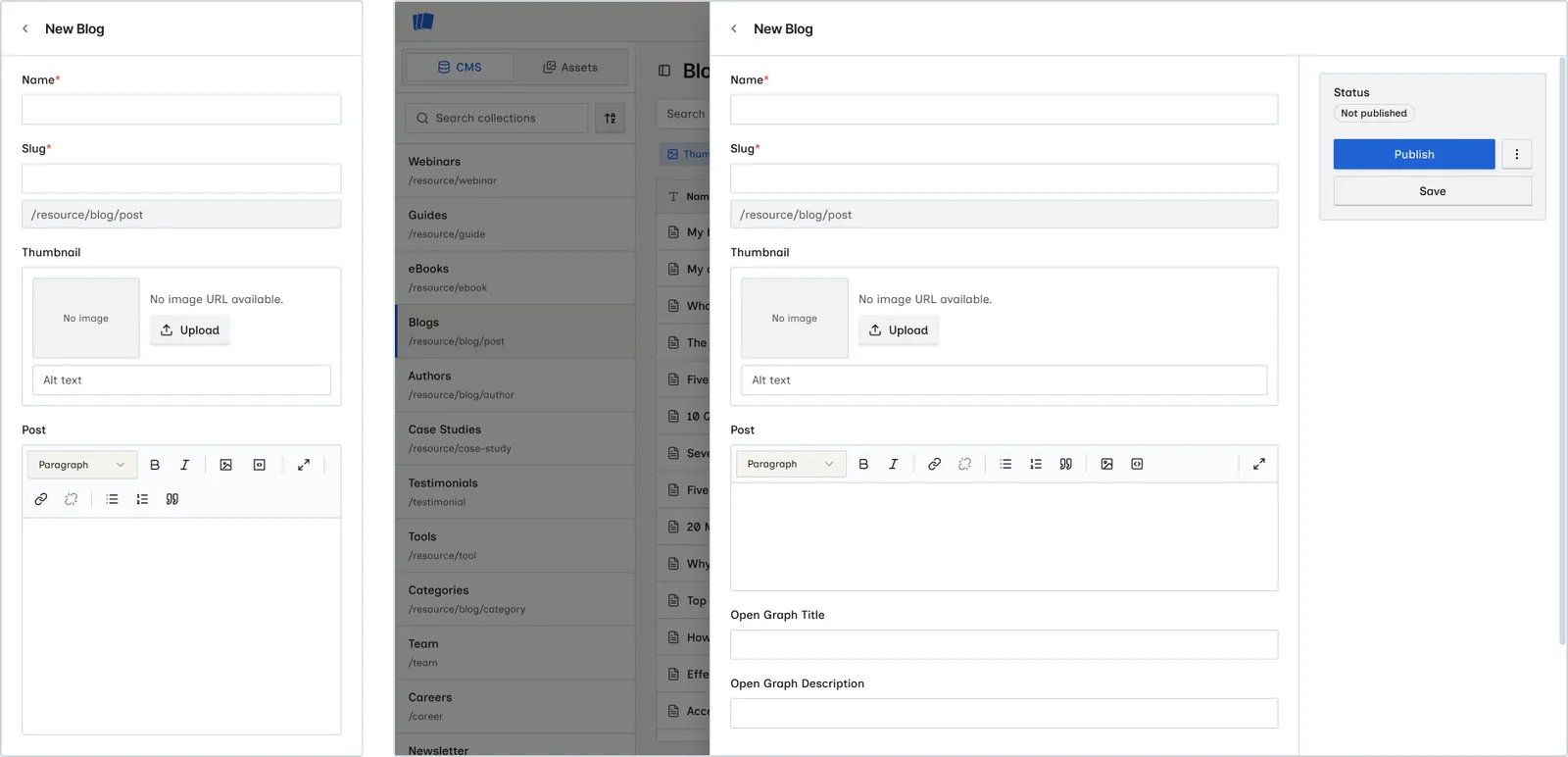
The item detail sheet opens in create mode. Enter values for the required and optional fields.
Save or publish
Click Save to create the item as a draft, Publish to make it live immediately, or use Queue for next site publish to schedule it. See Save changes and Publish an item.
Locale scope when creating
On multi-locale sites, the create dialog explains:
Choose whether to create this item only in the current locale, or in every locale on this site. You can not add an item to other locale later.
You cannot add an item to additional locales after creation. Choose All locales at create time if you need the item in every locale from the start.
Create mode actions
In create mode, the item sheet sidebar shows the Save and Publish buttons, plus a ⋮ menu:
- Save: create the item as a draft
- Publish: create and publish live if the site has been published
- Queue for next site publish: open the ⋮ menu to create and queue the item
The rest of the ⋮ actions (duplicate, archive, delete, and so on) are not available until the item is created.
Slug field
If your collection has a slug field, Wicked CMS formats the slug as you type. When you duplicate an item, Wicked CMS generates a unique slug. See Duplicate an item.
Related guide
Learn to copy existing items with Duplicate an item.