

Review top pages
In a site’s Analyze section, click Top pages in the sidebar. The table lists pages and CMS item URLs that received traffic during the selected dates.
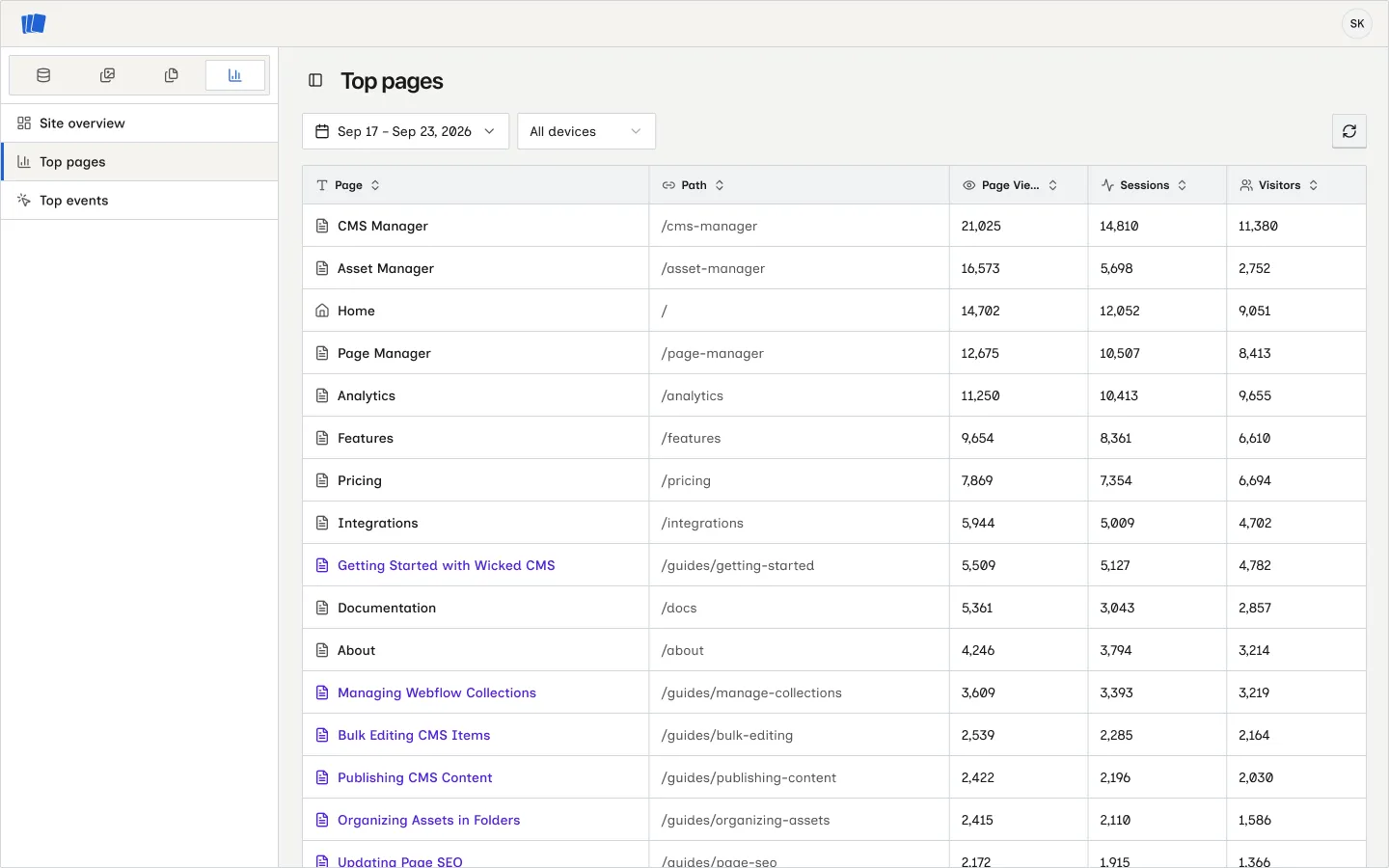
The table shows each page’s name, path, page views, sessions, and visitors. Click a column heading to sort the rows. Use the date picker to change the range, or choose All devices, Desktop, Tablet, or Mobile to narrow the report. Click Reload analytics to fetch fresh data.
Open a page breakdown
Hover over a page name and click Open. The detail panel shows sessions or visitors over time and the average daily time on page for the selected metric. It also shows device types, traffic sources and referrers, and top events for that page. Click Show more in Top events to see the full event list.
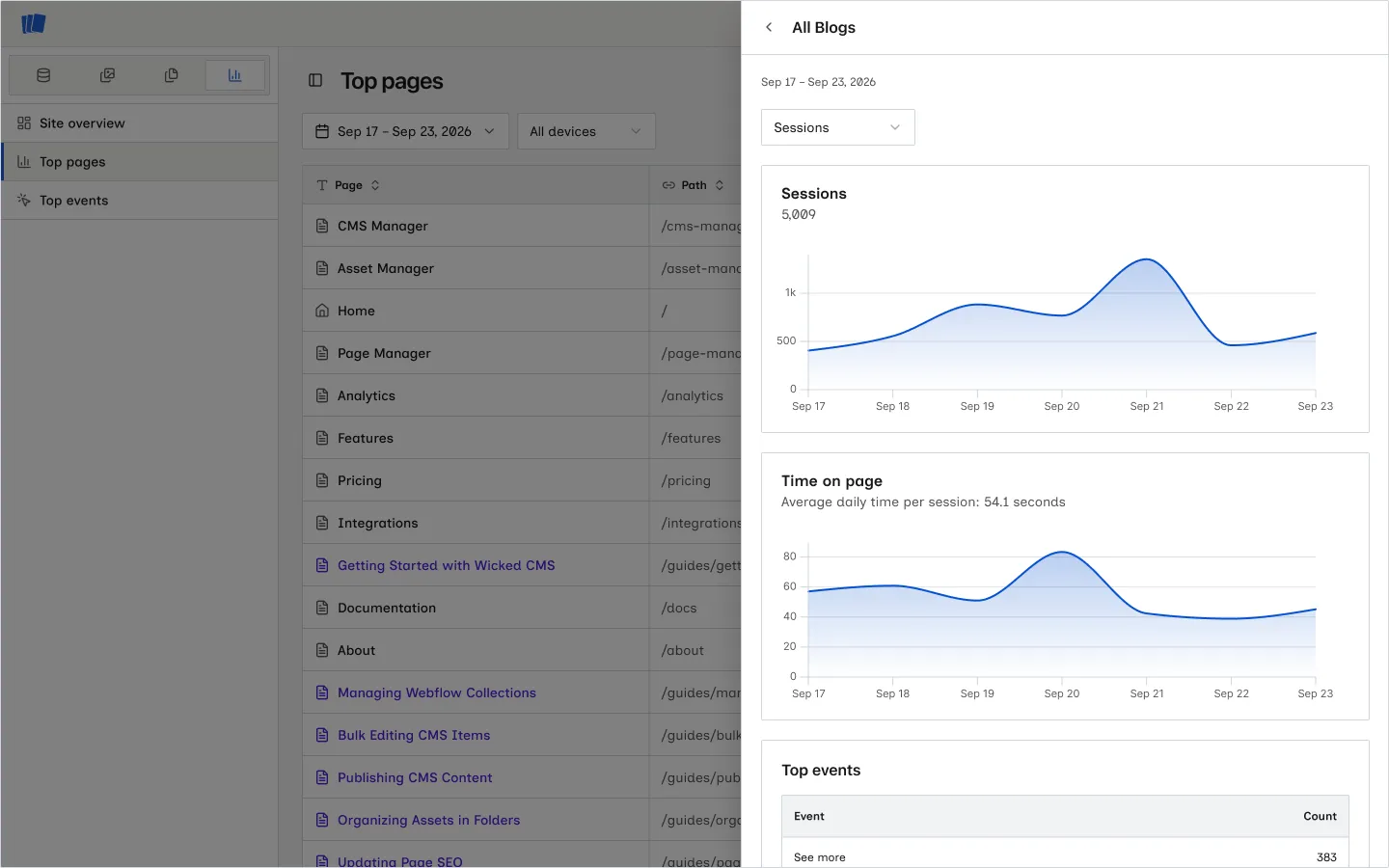
The panel uses the same date range and device selection as Top pages. If a page path is no longer available from Webflow, data that needs that path may be missing from the panel.