

Product updates and release notes for Wicked CMS
Sign in with email
Sign in to Wicked CMS with your email address. You do not need a Google or GitHub account.
What’s new?
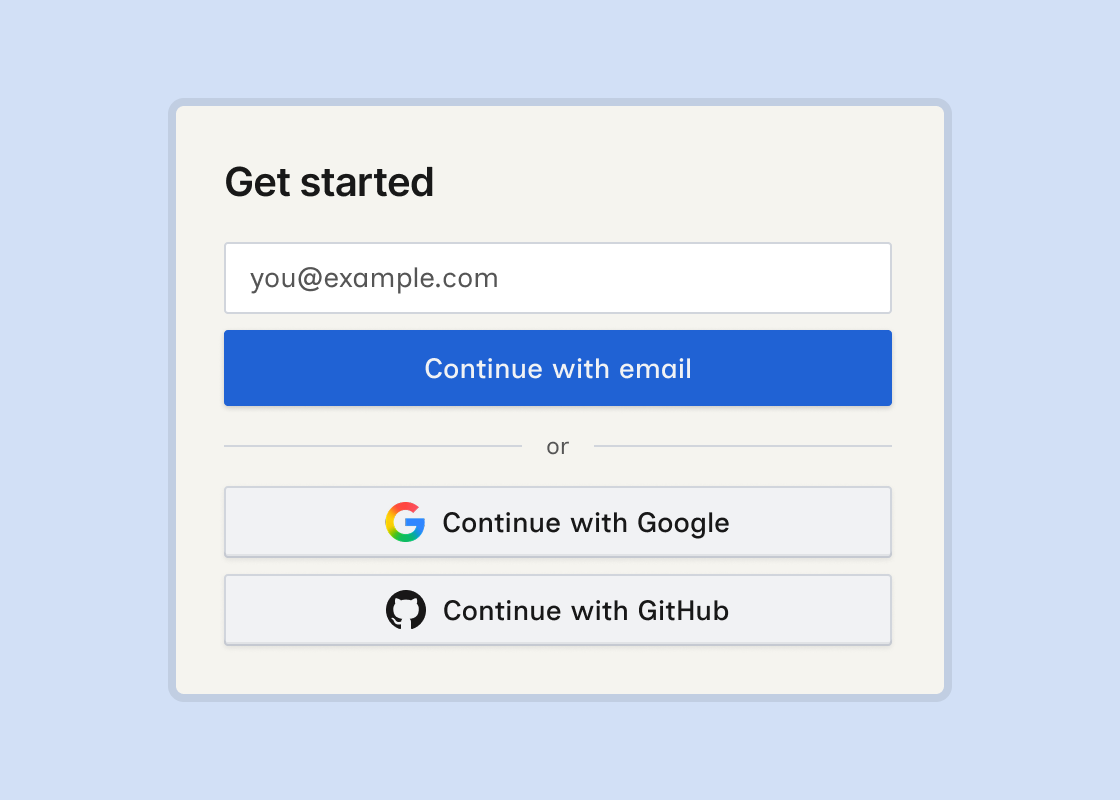
- Continue with email on the login screen. Enter your email and Wicked CMS sends a sign-in link.
- Magic link sent confirmation after the link is sent. Open the link from your inbox to sign in.
- Resend link if the link expires or does not arrive.
- Continue with Google and Continue with GitHub remain available.
How to sign in with email
If you sign in with email for the first time, Wicked CMS asks for your name before you continue. Google and GitHub sign-in already include your name, so you skip that step.