

Product updates and release notes for Wicked CMS
Duplicate multiple items
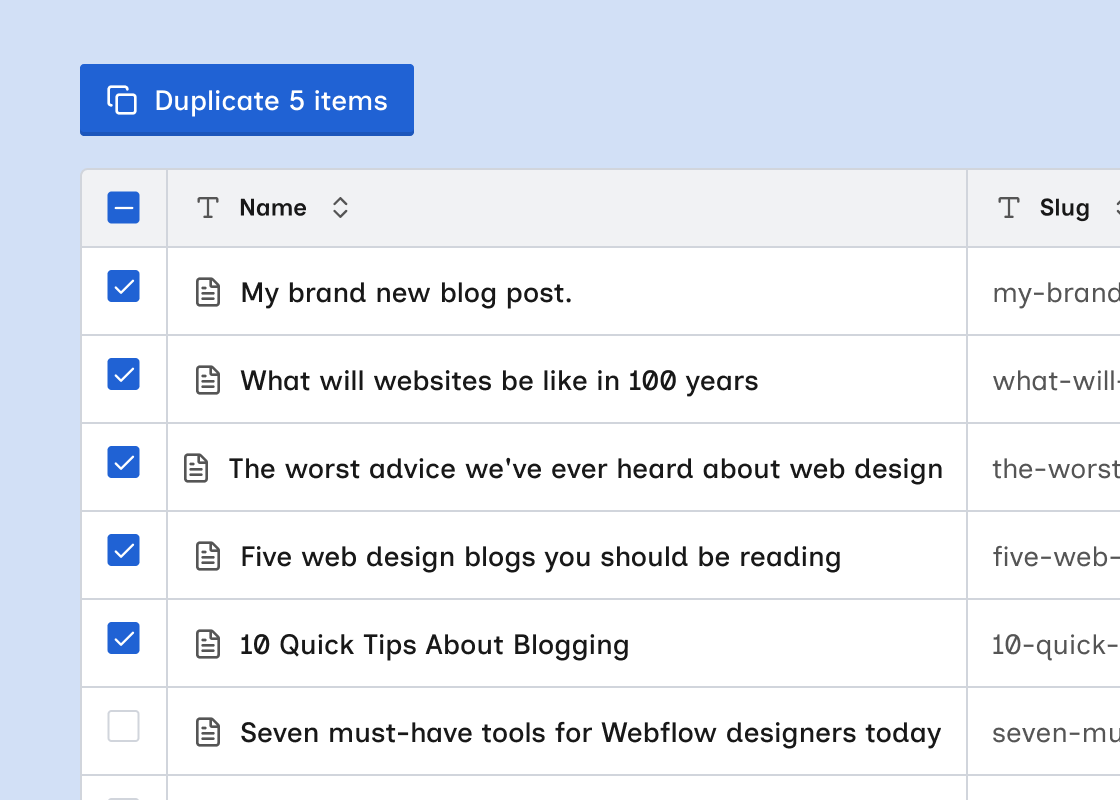
Duplicate several CMS items at once from select mode.
What’s new?
- Duplicate button in the bulk toolbar. It appears in select mode alongside Update items, Export, and Exit select.
- Each copy includes the source item’s field data. Wicked CMS generates a unique slug for each copy.
- The confirmation dialog offers Create as draft, Queue for publish, and Publish immediately.
- On multi-locale sites, each copy is created across the source item’s locales.
- A progress dialog tracks the duplication. Select mode exits when it completes.
How to duplicate selected items
Choose items
Click checkboxes to select individual items, or use the header checkbox to select all visible items.
To duplicate a single item from the detail sheet, use Duplicate from the ⋮ menu. See Duplicate an item.