

Product updates and release notes for Wicked CMS
Locale diff indicators on fields
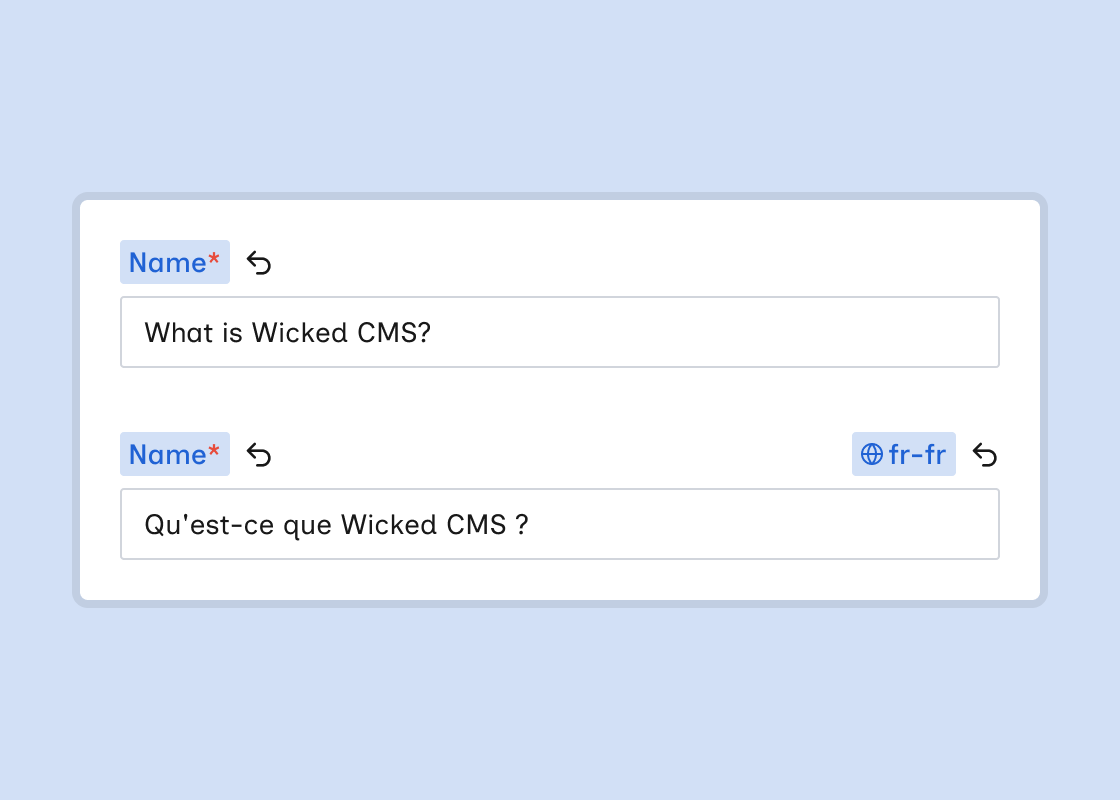
When you edit an item in a non-primary locale, each field shows a locale badge with the locale shortcode, such as fr-fr, on the right side of the label. The badge highlights in blue when the field’s value differs from the primary locale. This is separate from the live diff highlight for unpublished changes.
What’s new?
- Locale badge on each field label when editing a non-primary locale. It displays the locale shortcode with a globe icon.
- The badge highlights in blue when the field value differs from the primary locale’s value.
- Option-click or Alt-click the locale badge to reset the field to the primary locale’s value.
- A Reset button (↩) appears next to a badge when the values differ. Click it to reset without a modifier key.
- The locale badge works alongside the live diff highlight. A field can show both a live change on the left and a locale difference on the right.