

Product updates and release notes for Wicked CMS
Edit referenced items from item details
Open and edit a linked item directly from a Reference or Multi-reference field without leaving the current item.
What’s new?
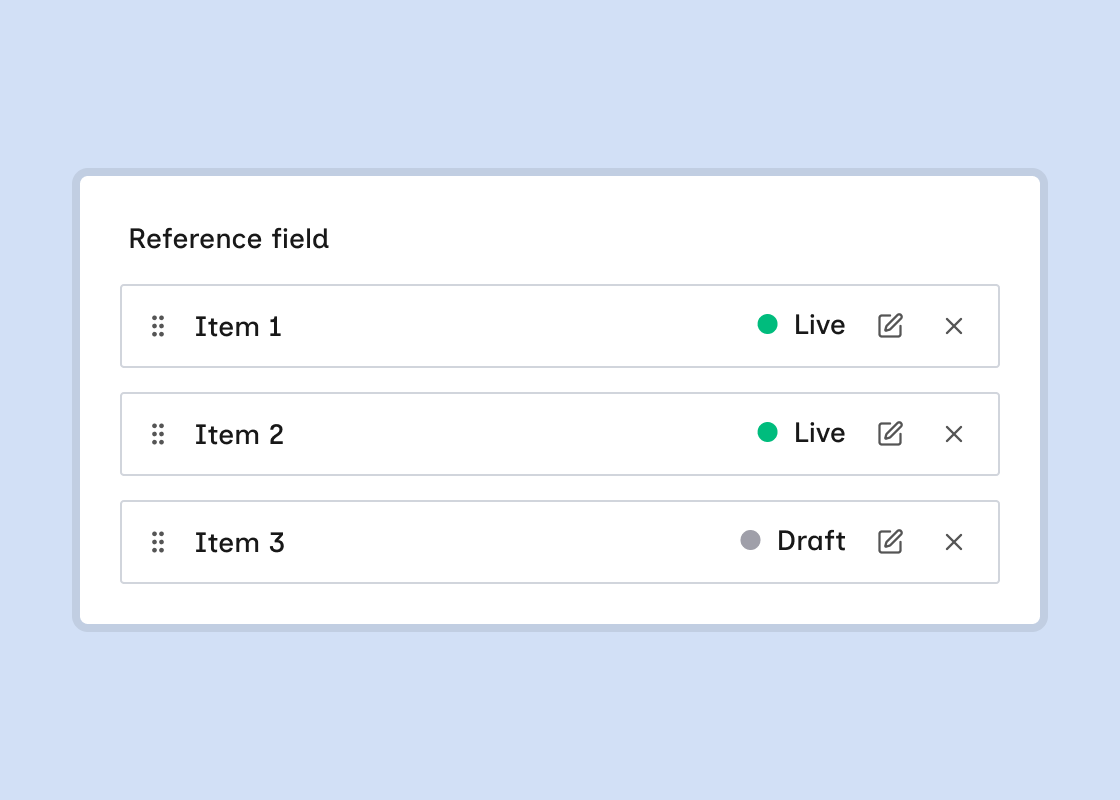
- An Edit button (pencil) on Reference and Multi-reference fields opens the linked item in the detail sheet.
- Referenced items open above the current item. Wicked CMS preserves your edits on the parent item.
- Back returns to the parent item. Back to items closes the sheet from the base item.
- Save, Publish, and other item actions work on referenced items.
- On Multi-reference fields, each linked row shows Live or Draft status with Edit and Remove controls.
How to edit a referenced item
Click Edit on the reference
Next to the linked item, click Edit (pencil). In a Multi-reference field, click Edit on the row you want to change.
You can open referenced items from other referenced items. Wicked CMS adds each one to the stack in order. You cannot open an item that is already in the stack.