

Product updates and release notes for Wicked CMS
Import Markdown and Word docs into rich text
You can now load existing content into a rich text field from a Markdown or Word file.
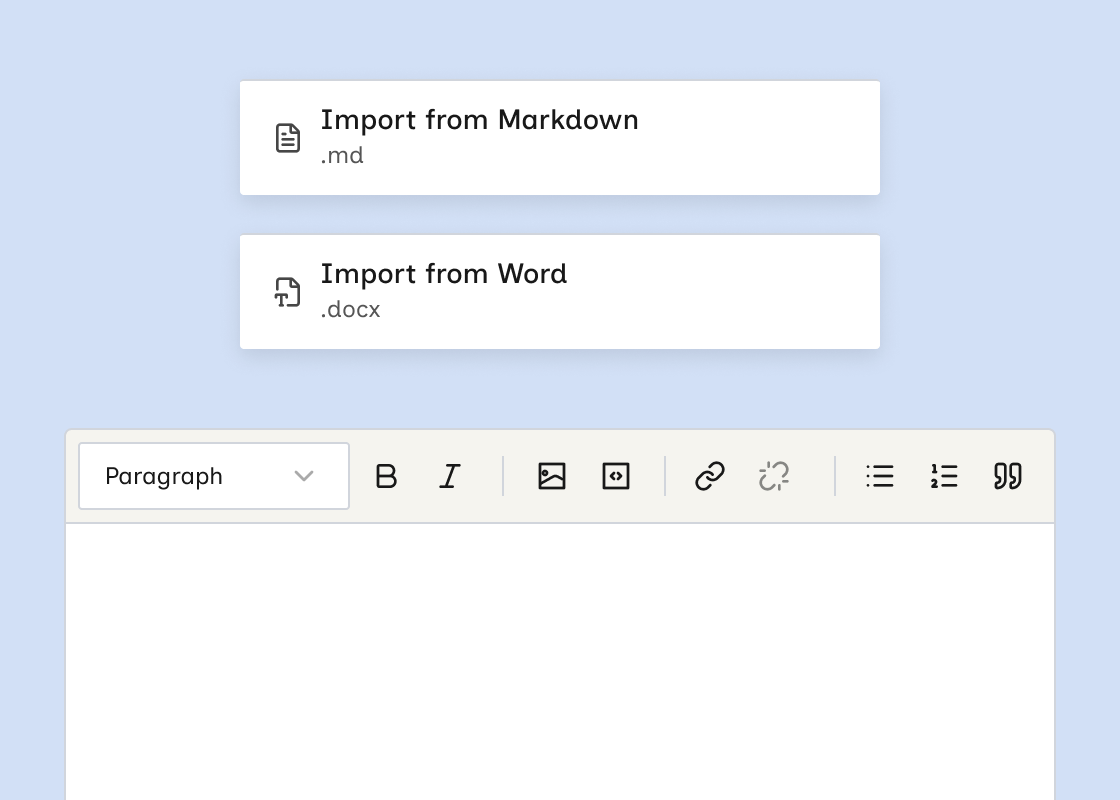
What’s new?
- Import from Markdown and Import from Word in the rich text toolbar’s More options menu (⋯).
- The import accepts
.md,.markdown, and.docxfiles. - Imported content replaces the field. If the field already has text, Wicked CMS asks you to confirm first.
- Images embedded in the file are added to the field and uploaded when you Save or Publish.
How to import content
Rich text does not support some formatting, including tables, strikethrough, and horizontal rules. Wicked CMS removes unsupported formatting on import and shows a warning if it changes anything.