Product updates and release notes for Wicked CMS

Sign in with GitHub

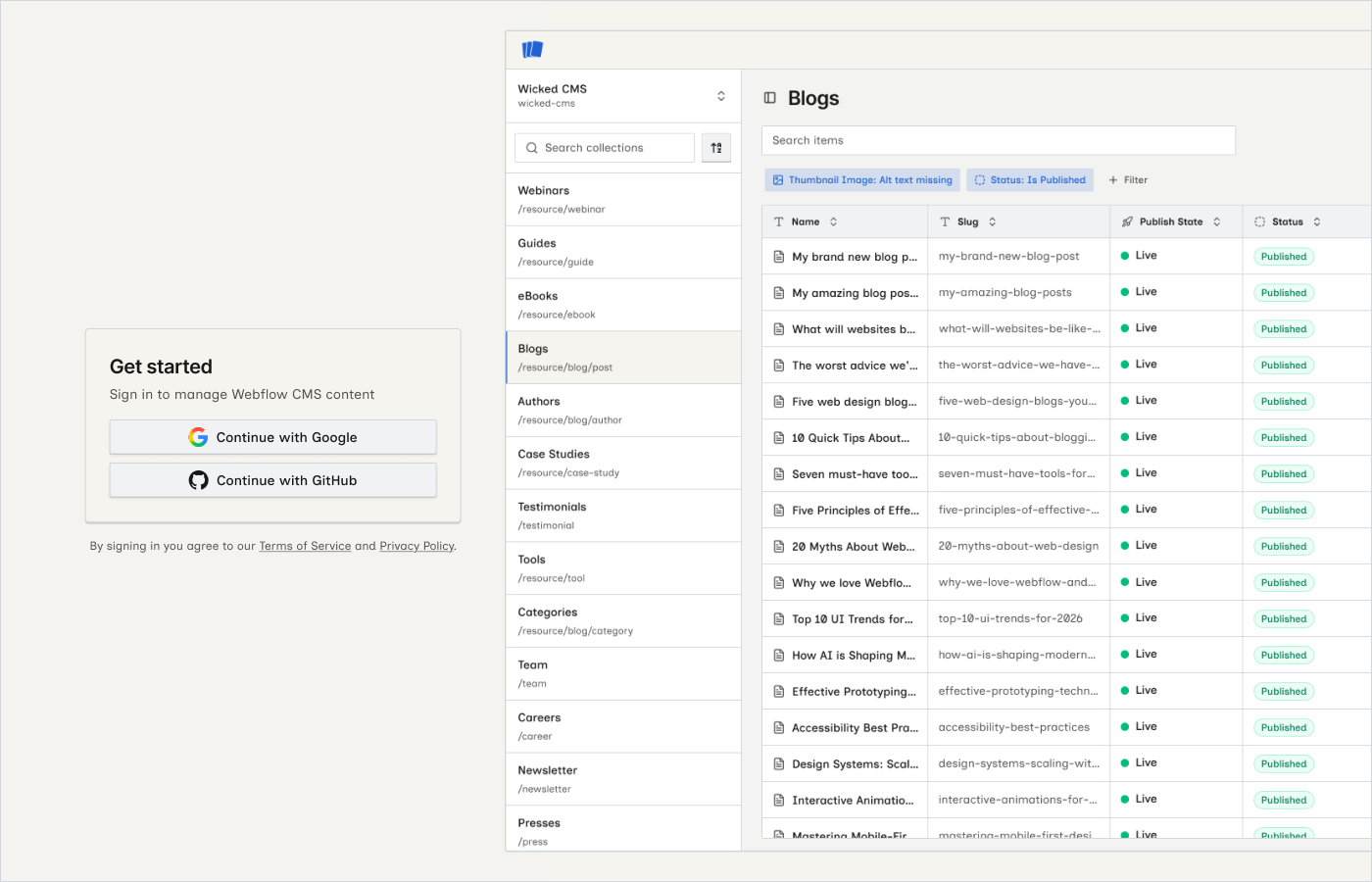
You can now sign in to Wicked CMS with a GitHub account, alongside the existing Google sign-in option.

Wicked CMS login screen with Google and GitHub sign-in options

What’s new?

  • Continue with GitHub on the login screen — sign in with a GitHub account using OAuth
  • Continue with Google remains available — choose whichever provider you prefer

How to sign in with GitHub

1

Open Wicked CMS

Go to app.wickedcms.com in your browser.

2

Click Continue with GitHub

On the login screen, click Continue with GitHub. You are redirected to GitHub to authorize access.

3

Return to Wicked CMS

After GitHub authorization completes, you return to Wicked CMS signed in.

If you already use Continue with Google, you can keep using Google — GitHub sign-in is an additional option for users who prefer it.